How boards work
-
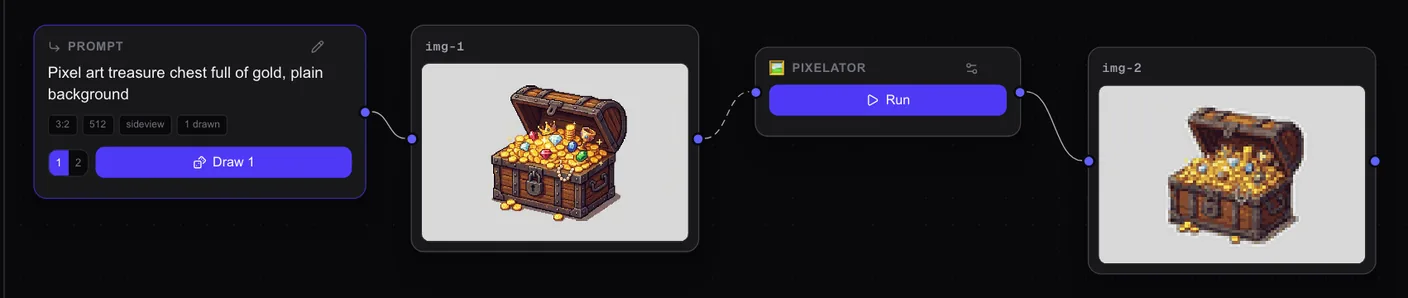
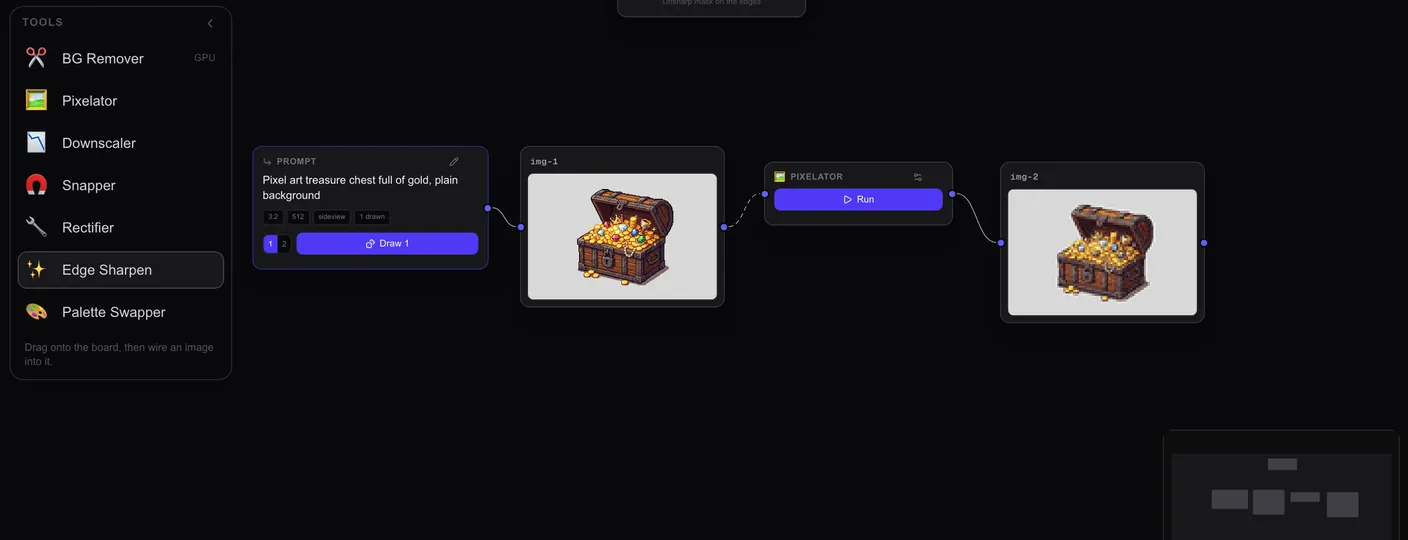
Everything is a card. Prompts, images and tools all sit on the board as cards.
-
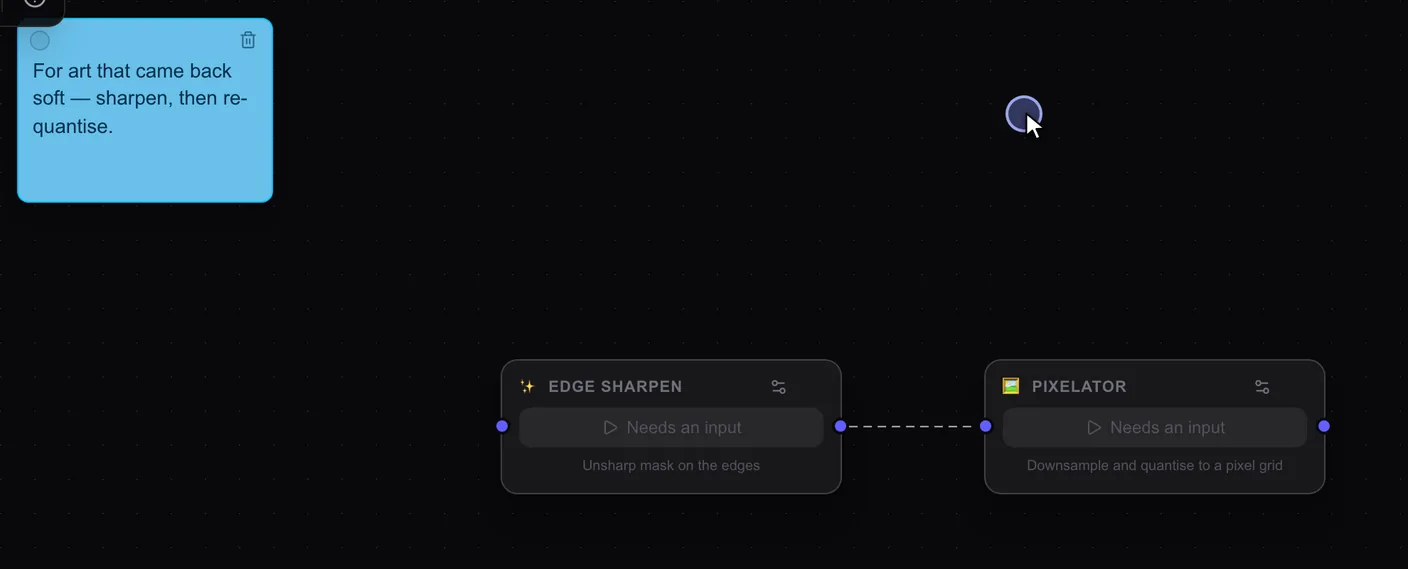
Wires connect cards. Drag from the dot on the right of one card to the dot on the left of another. A dashed wire is one you drew. A solid one shows what made what.
-
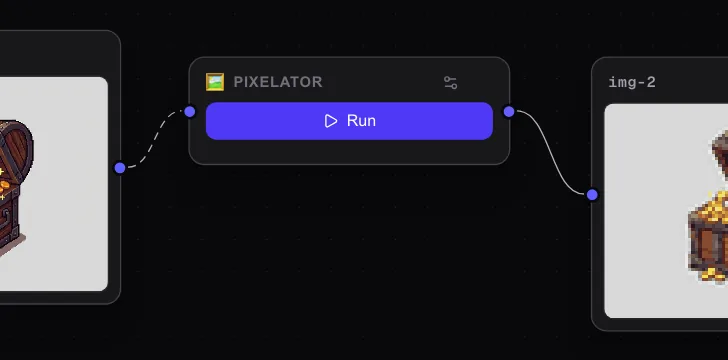
Tools come off the tray. Drag one from Tools onto the board, wire an image in and press Run. You get a new card, and your original never changes.
-
Move around. Drag a card by its title to move it. Drag the empty board to pan, and scroll to zoom. Fit to board (the arrows at the top) brings everything back into view.
-
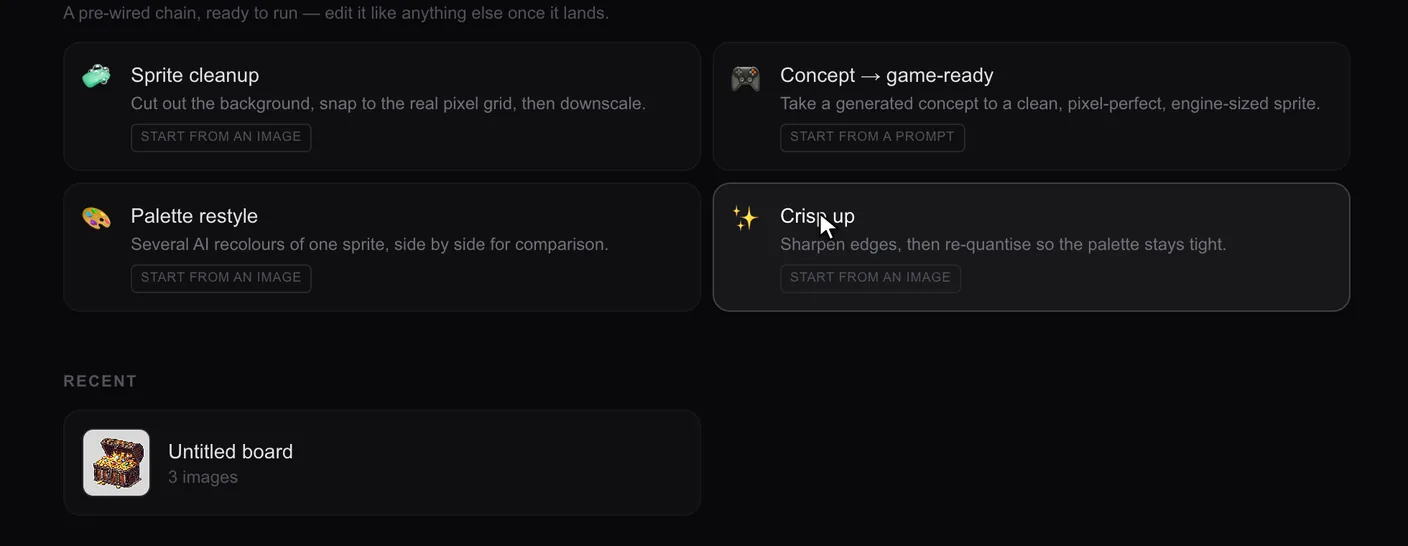
Start from a preset. Press the + at the top of the sidebar and pick one under Start from a workflow. Its tools land in place. Wire an image into the first one and press Run, then wire that result into the next tool.