Clean up a sprite you already have
-
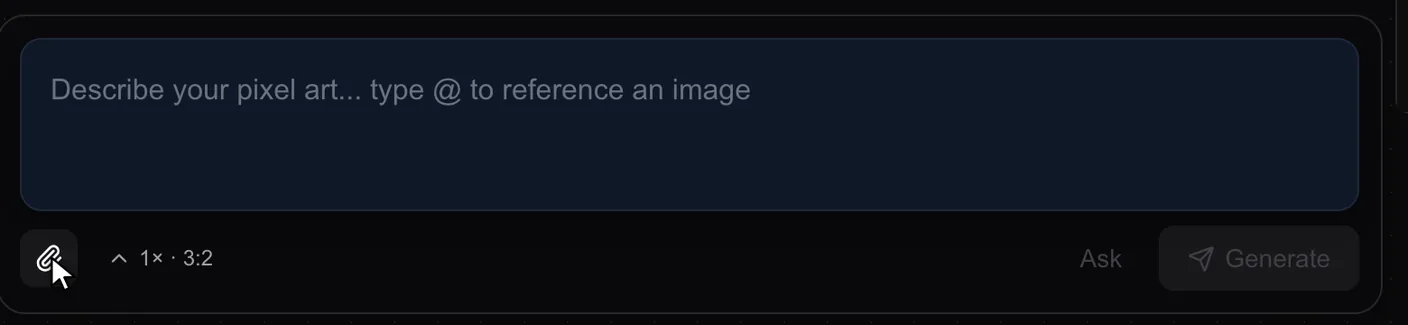
Upload it. On a new board, press the paperclip under the prompt box and pick your image. It lands on the board as a card.
-
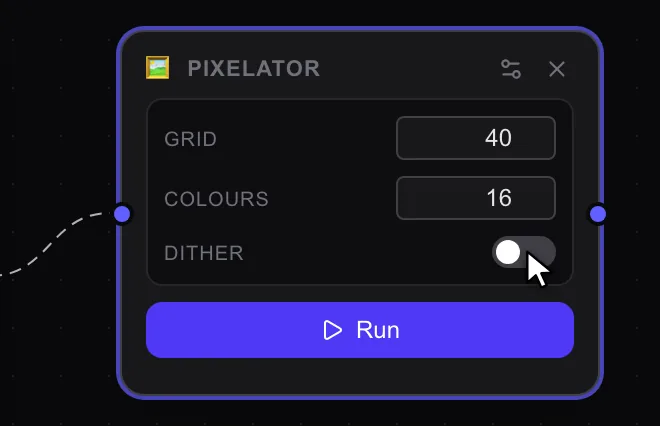
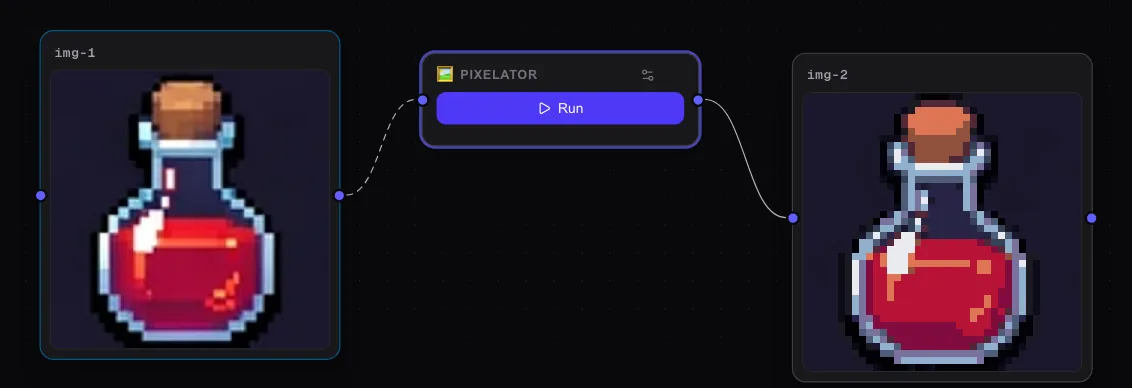
Clean it with Pixelator. Drag Pixelator onto the board and wire your image in. In its settings (the sliders icon), set Grid to 40, Colours to 16 and turn Dither off, then press Run.
Soft edges become clean, square pixels, on a new card.
-
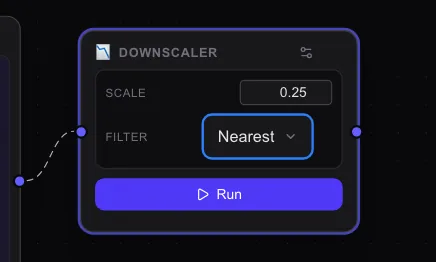
Make it game size. Drag Downscaler onto the board and wire the clean result in. In its settings, set Scale to 0.25 and Filter to Nearest, so the edges stay sharp. Press Run.
-
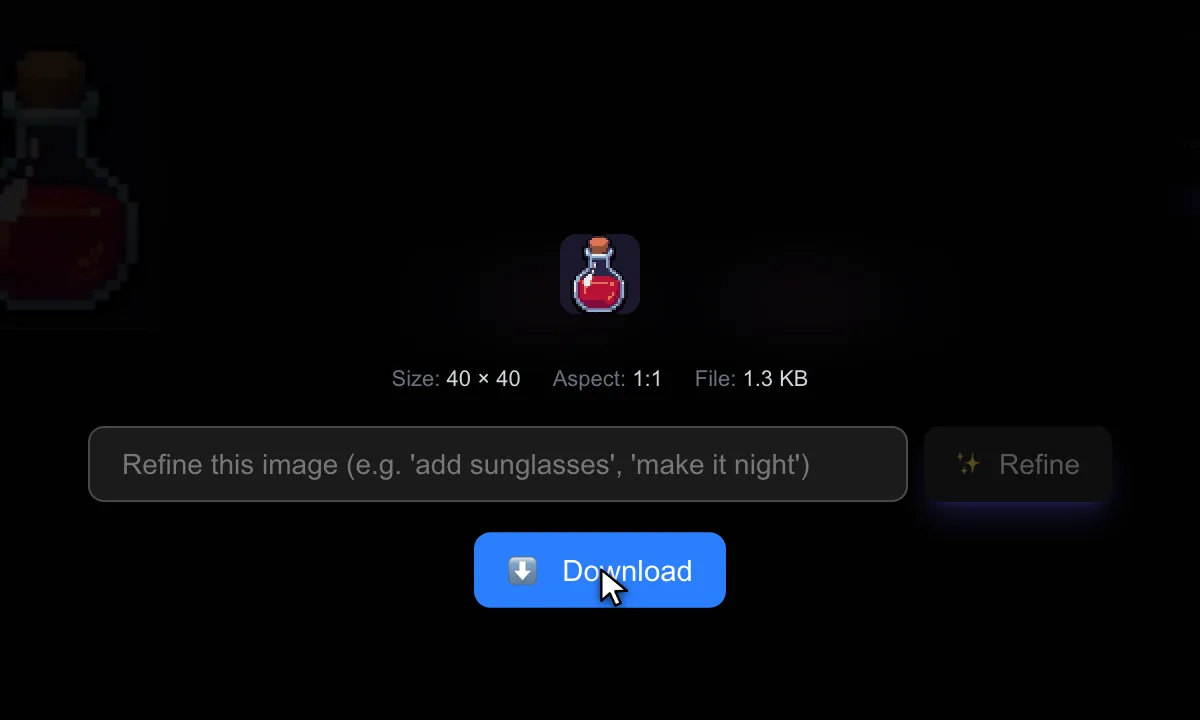
Download it. Click the result, then press Download. This one came out at 40 by 40.
Need the background gone? BG Remover in the tray cuts it out. It runs on a GPU, so the first job can wait about 2 minutes for the machine to wake.