Prompts that look like game art
-
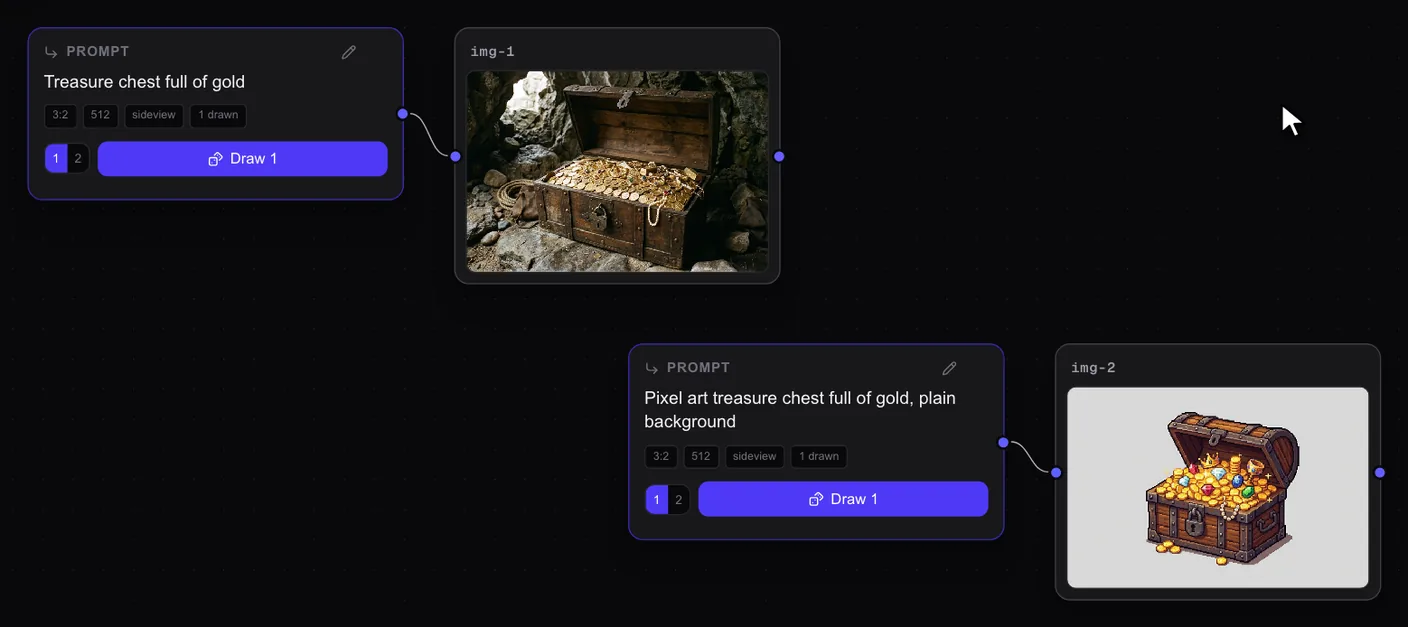
Say "pixel art". With no style in the words, you get something like a photo. Say "pixel art" and the same subject looks like game art.
-
Ask for a plain background. You get the object on its own, not a whole scene around it.
-
Keep to one pattern. Style, subject, background:
Pixel art knight with a blue cape, plain background.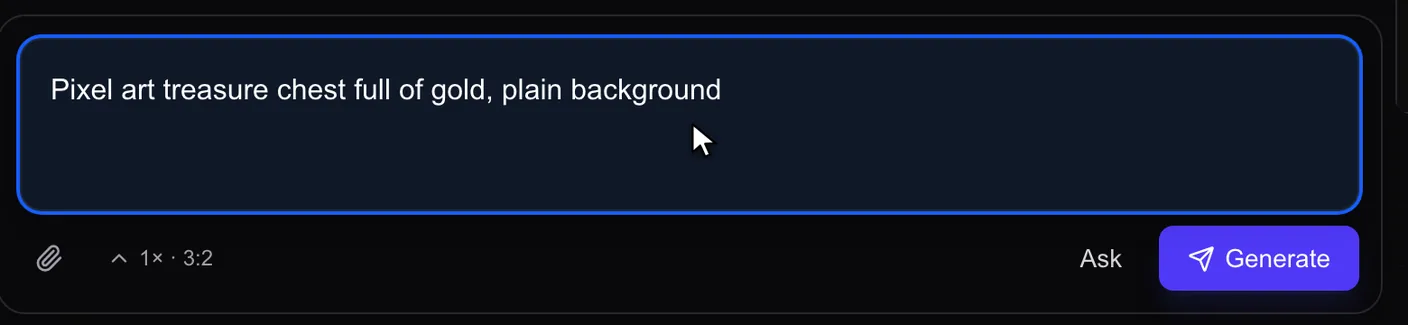
-
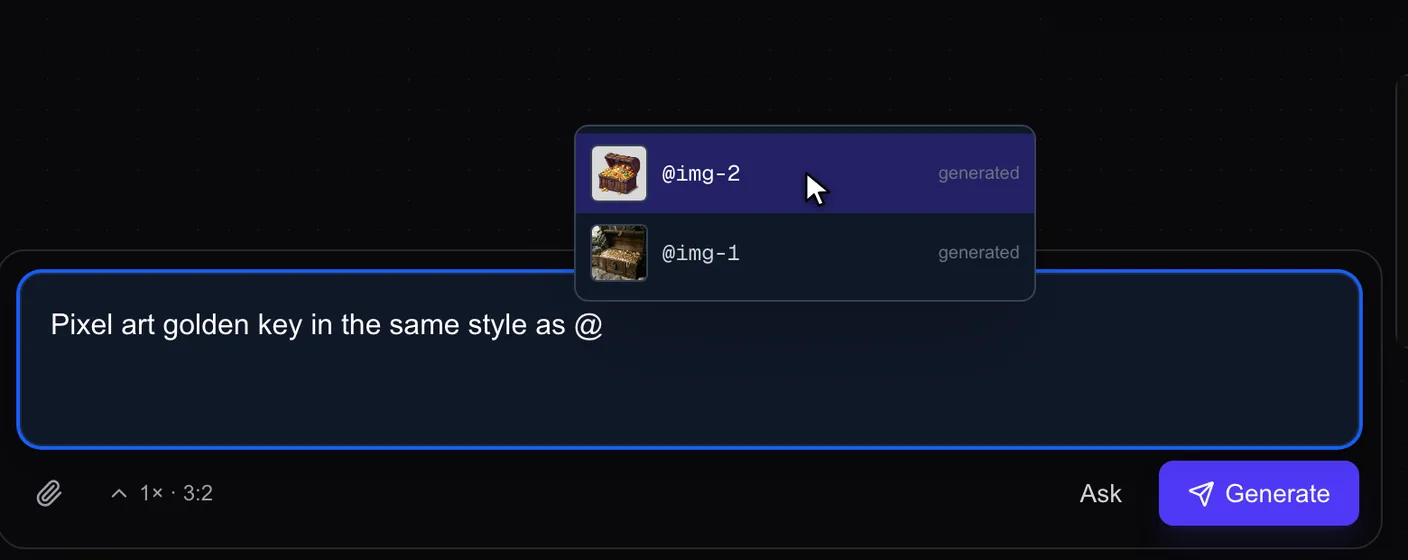
Show it an image with @. Type
@in the prompt and pick an image from your board. The model looks at it while it draws, so you can ask for the same style.